User Isolation
A hidden macOS user that can only reach the worktrees it was given. Your home folder stays unreadable.
Built in worki
worki runs every coding agent in its own sandbox and its own git worktree. It reaches the code you gave it, and nothing else: not your SSH keys, not your browser, not your other repositories.
brew tap fischsil/tap
brew trust fischsil/tap
brew install --cask worki
macOS 13 or later · Apple Silicon and Intel · Signed and notarized · MIT licensed
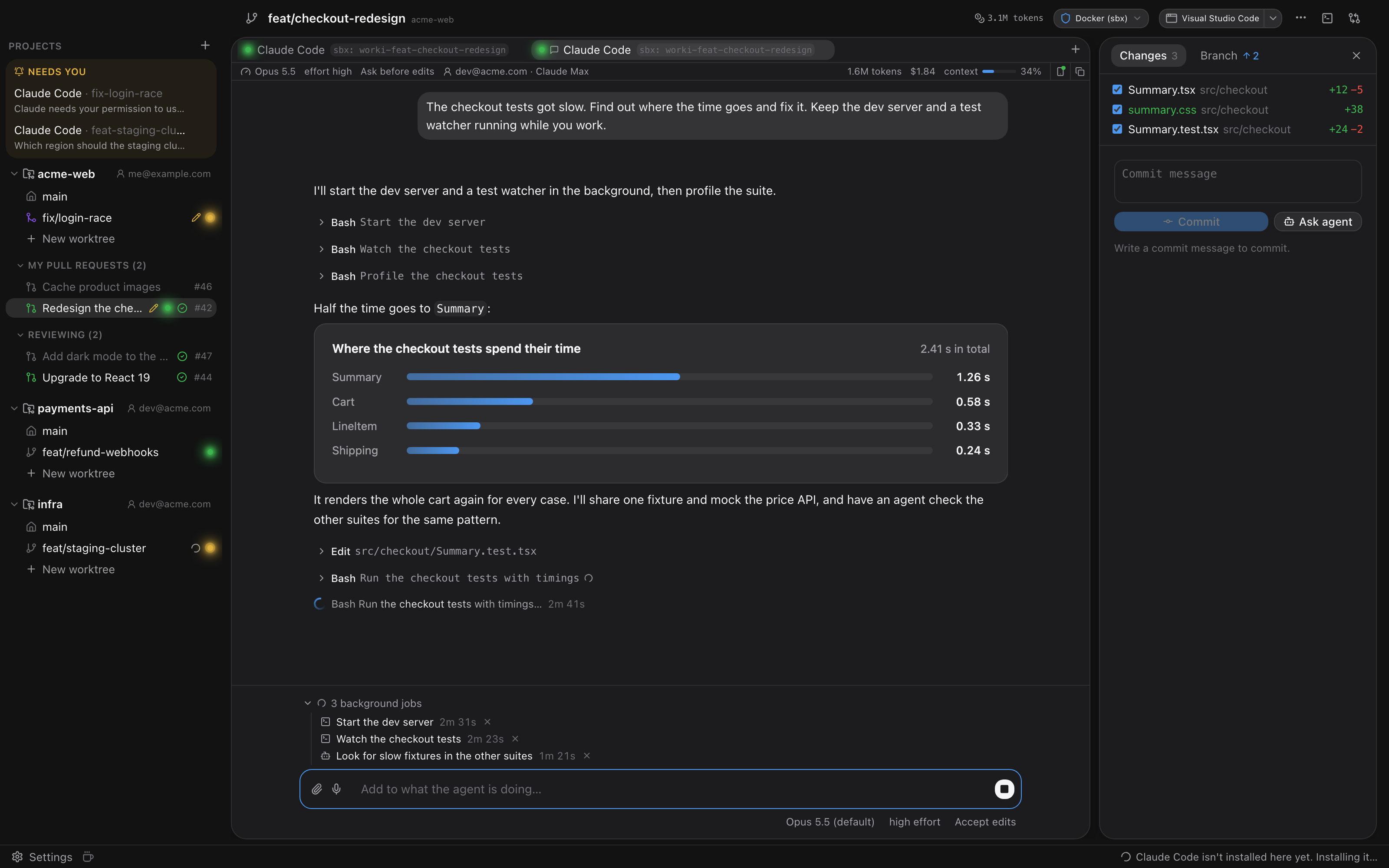
Coding agents are at their best when you let them run on their own: accept edits, run the tests, try again. That's exactly when you don't want them near anything else. In worki, isolation isn't a plugin or a wrapper script. It's how every agent starts.
.git that committing needsCredentials reach an agent only when you hand it a token yourself. With isolation set to None, an agent runs as you and can reach what you can.
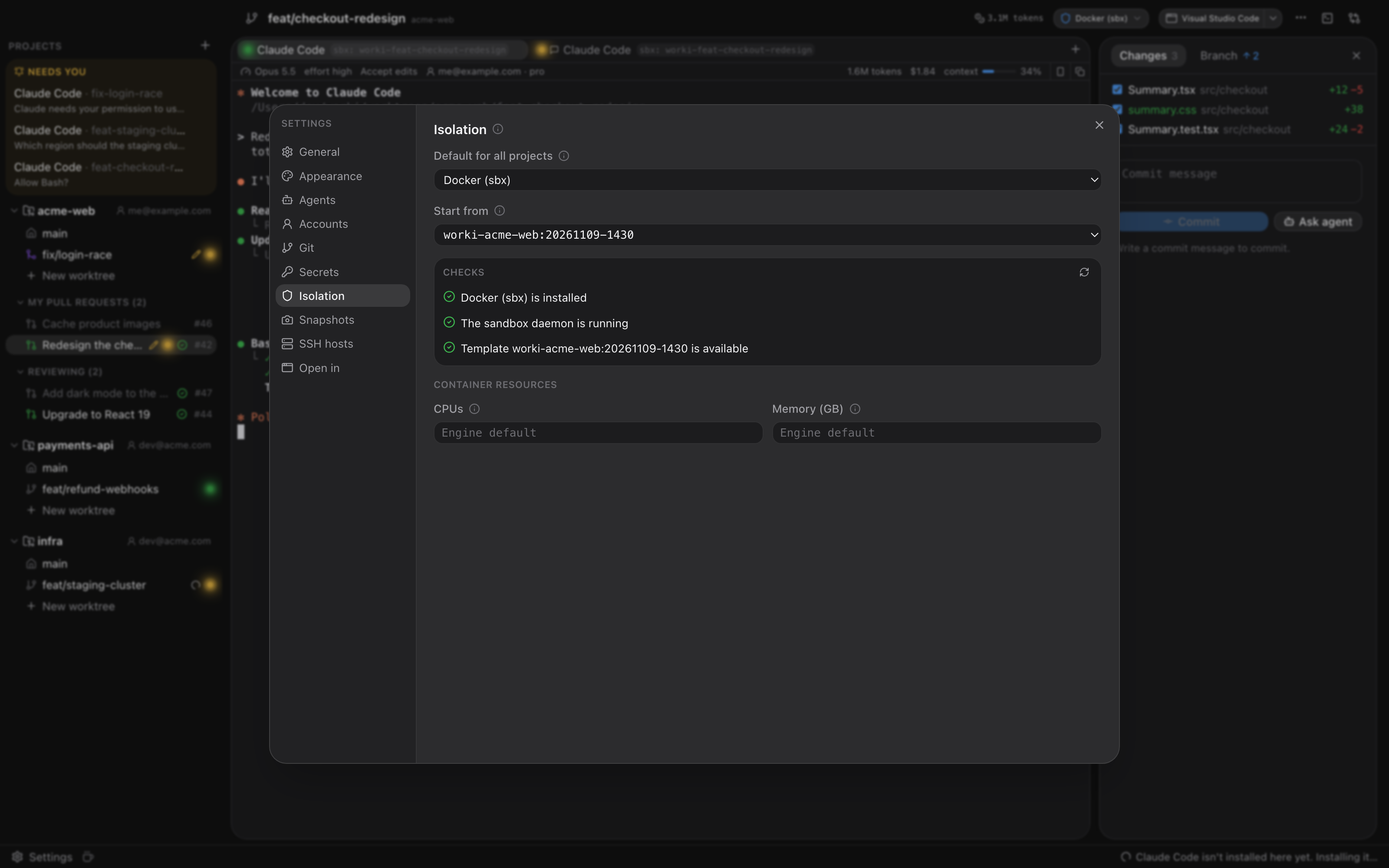
Isolation, built in
Choose globally, per project or per worktree.
A hidden macOS user that can only reach the worktrees it was given. Your home folder stays unreadable.
Built inIts own Linux microVM for every worktree.
sbxIts own container per worktree, from a small image worki builds for you.
Docker DesktopThe same containers, on a Podman machine.
PodmanIts own lightweight Linux VM per worktree, from the same image.
Apple's container, macOS 26Runs as you, for work you trust.
Nothing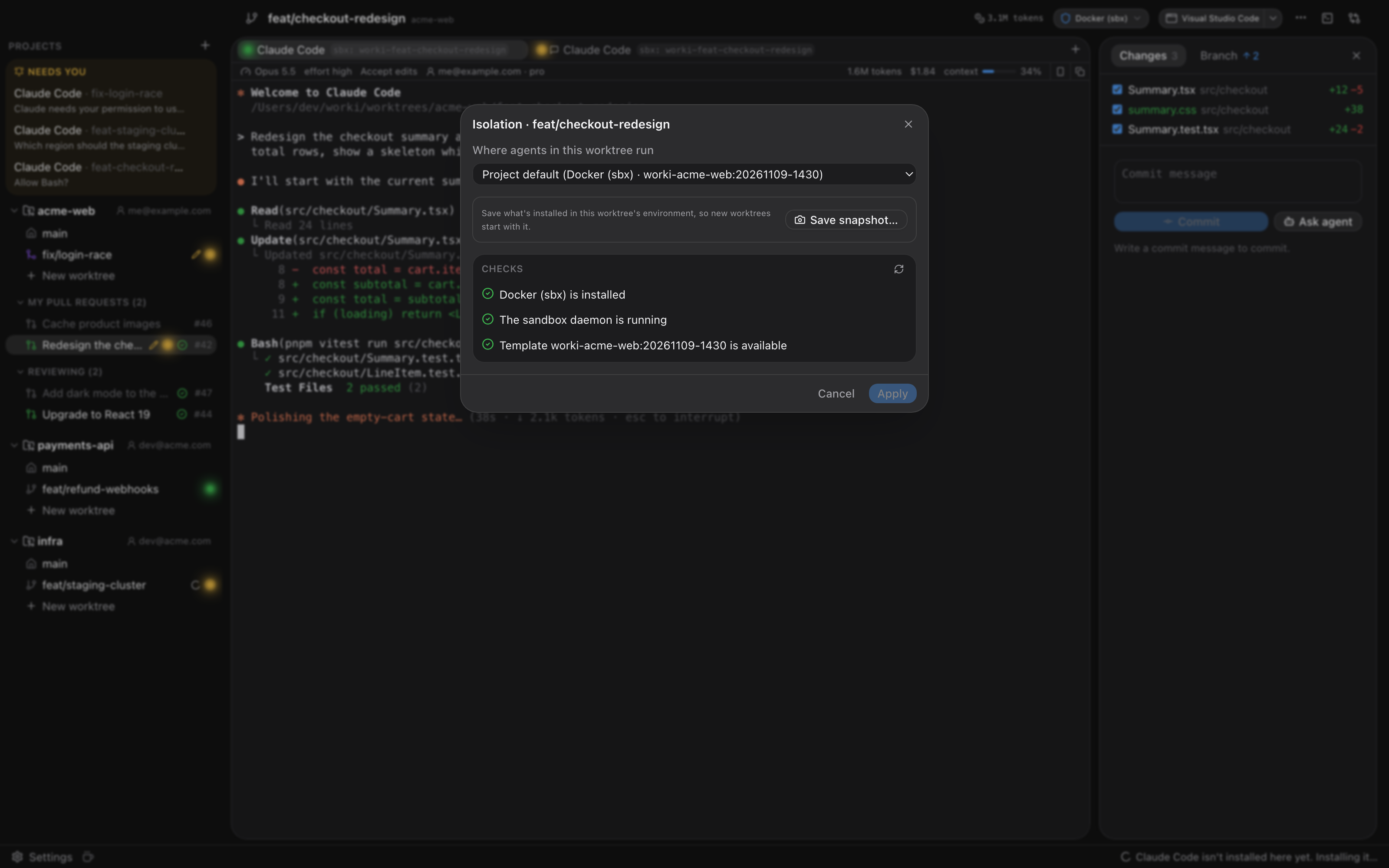
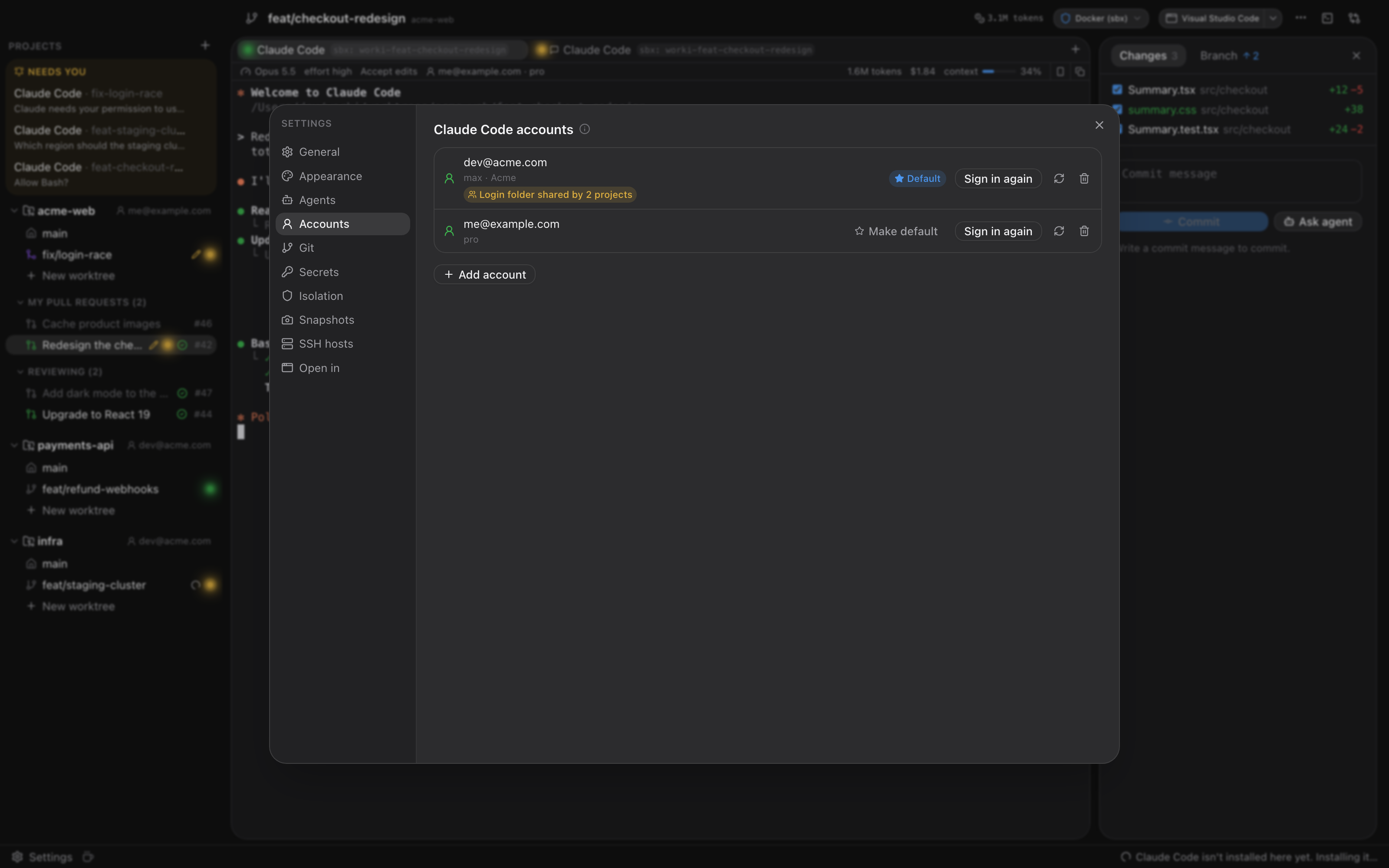
Several Claude accounts
No signing out and in again. In Docker (sbx), Docker, Podman and Apple containers.
Add accounts in the settings and approve each in your browser. Your own Claude Code login stays untouched.
Mark a default; any project can pick another. The sidebar and every session show which account is in use. Projects share the login, nothing else: each keeps its own settings, CLAUDE.md, skills and history.
Not API keys: logins renew themselves and Remote Control works. Every project on an account shares its login, so you sign in once.
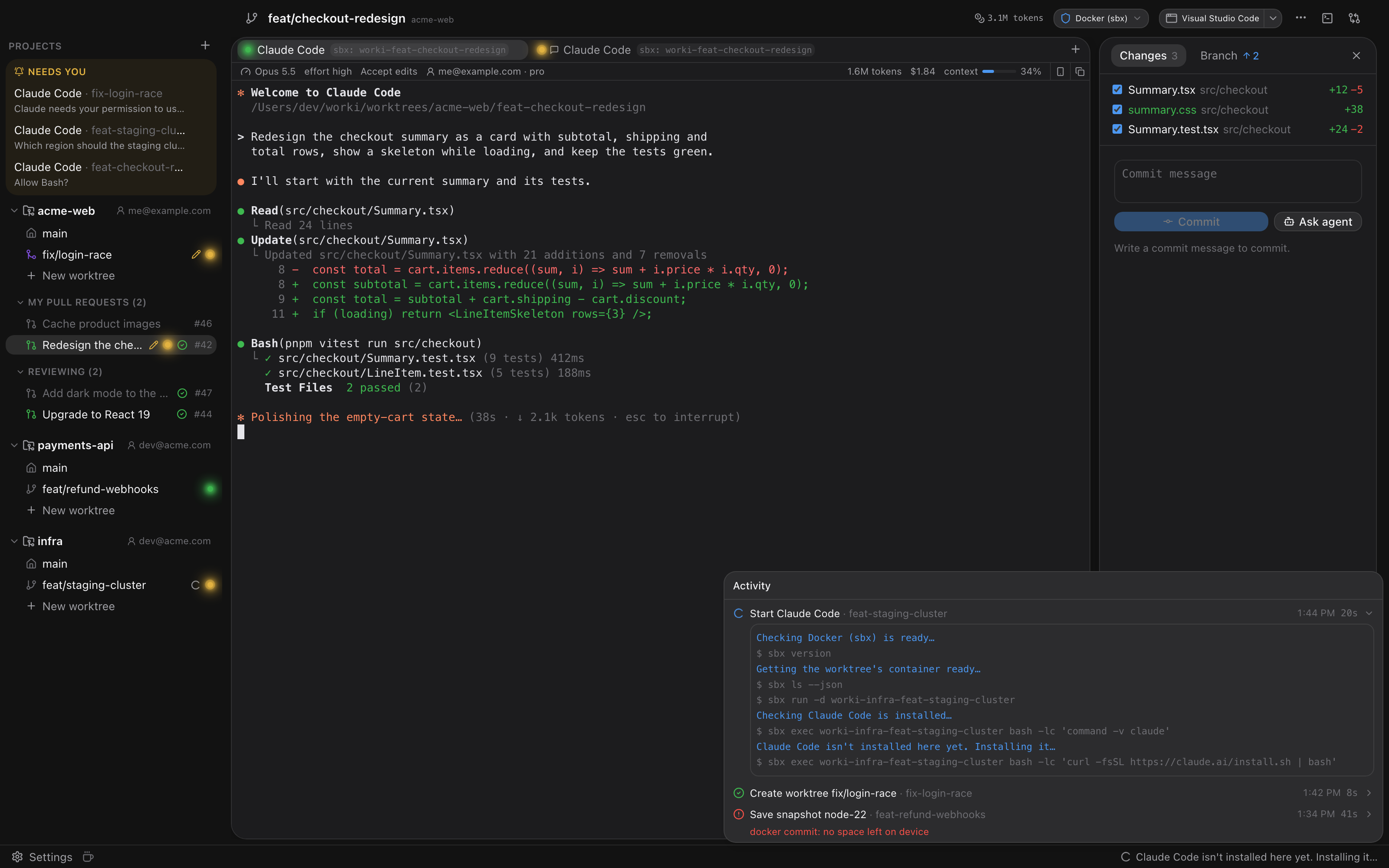
Transparent
Creating worktrees, starting agents in sandboxes, saving snapshots, pushing branches.
The sidebar shows what's running now, with a spinner on its worktree. The Activity panel keeps recent operations, when they started and how long they took.
Each step lists the git, docker, sbx and ssh commands behind it. Secret-looking values are hidden.
Dialogs close as soon as you confirm. The work carries on in the background, and failures show up with their error.
Chat or terminal
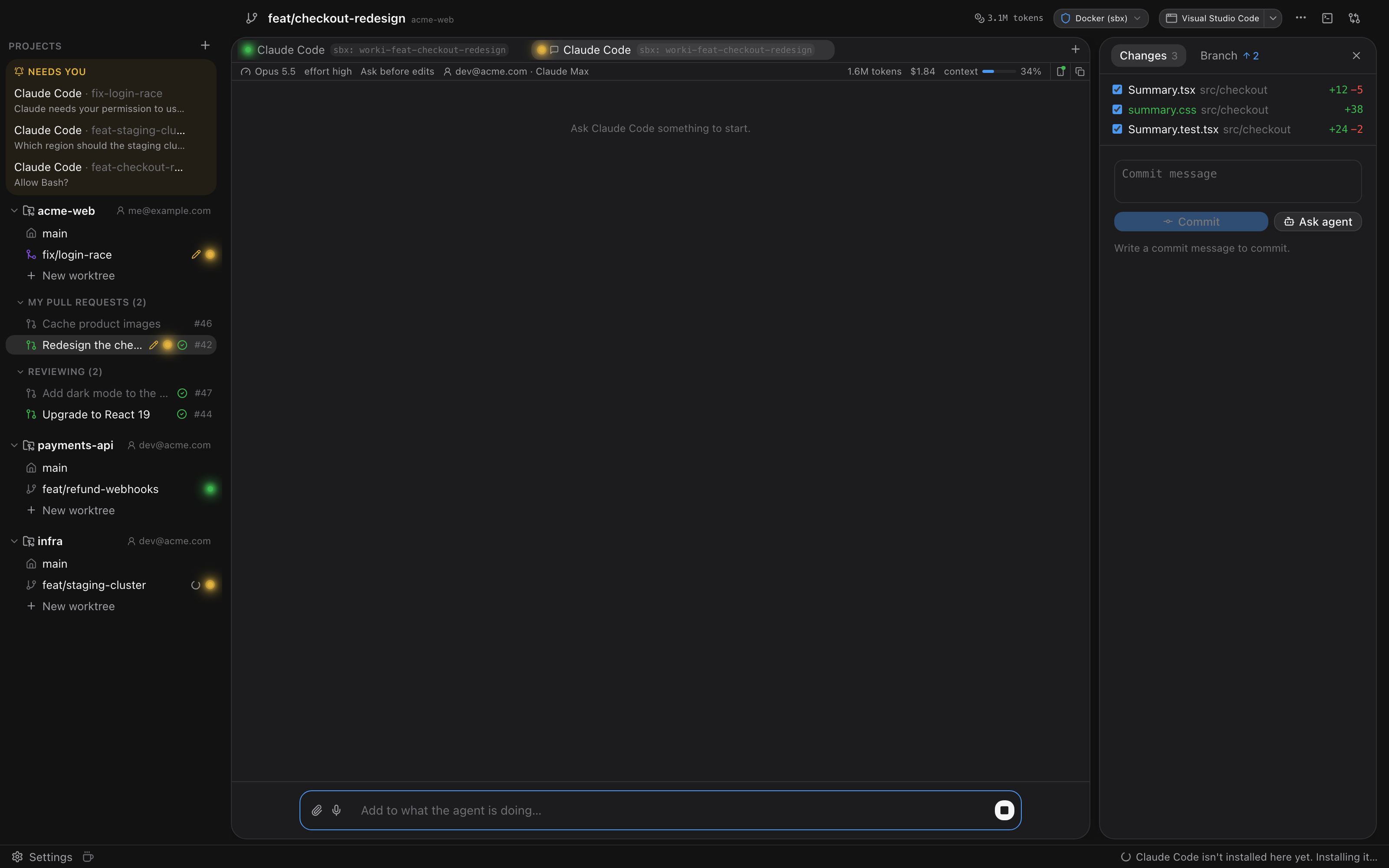
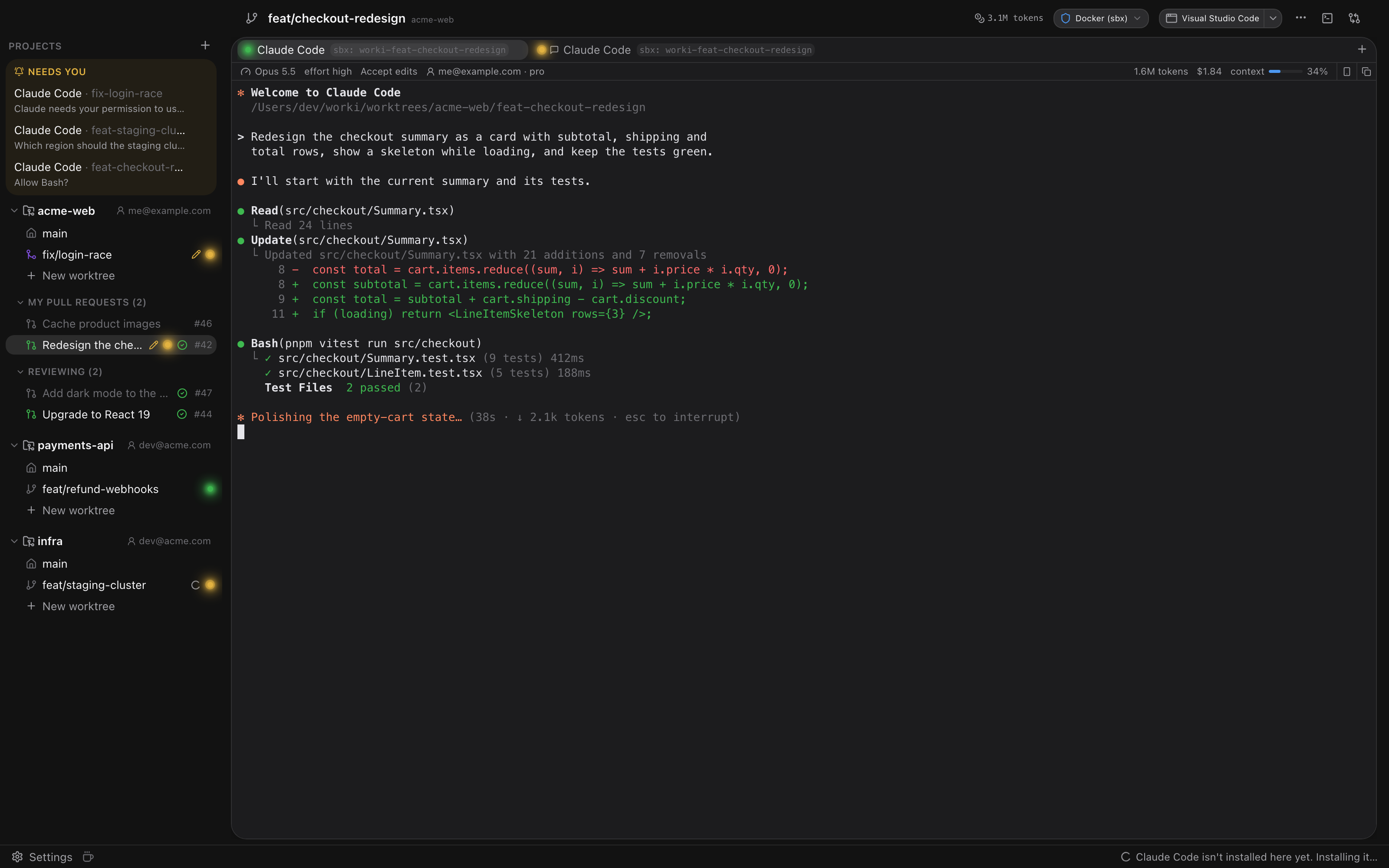
From task to pull request
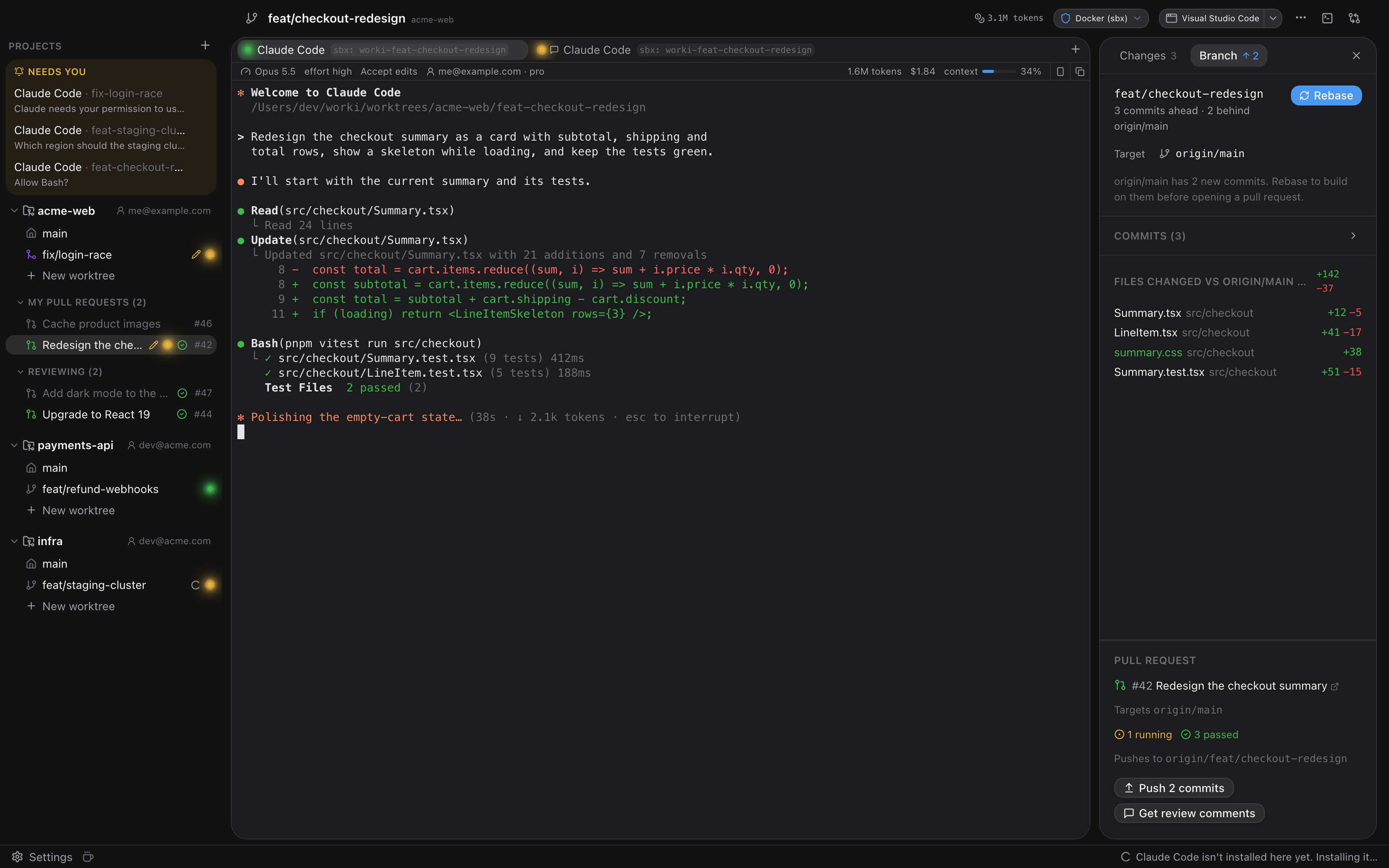
Everything around it
Branch off any branch in one step, with a setup script that runs in the agent's isolation.
Agents waiting for an answer show under Needs you, with a notification and a Dock badge.
Work on repositories on an SSH host. Terminal sessions run in tmux there and survive a dropped connection.
⌘K jumps anywhere, ⌘T starts an agent, ⌘J shows the changes.
Environments keep running when worki quits, and Claude Code continues its conversations.
Jump to the worktree in your editor or terminal from the toolbar.
brew tap fischsil/tap
brew trust fischsil/tap
brew install --cask worki
For container isolation, install Docker's sbx, Docker Desktop, Podman or Apple's container. User Isolation needs nothing extra.
You need Rust, Node 20 or later, pnpm and the Xcode command line tools.
git clone https://github.com/fischsil/worki.git
cd worki
./start_dev.sh